Many business owners think of their website like a printed flyer: once it's done, it “just exists”. However, WordPress maintenance isn't a luxury but a basic requirement for your website to work. In this article I'll show you why it's needed, exactly what it includes, and what happens if it's neglected.
Why isn't it enough to build a website once?
WordPress is a constantly evolving system. The developers of the core, themes and plugins regularly release updates that fix bugs, close security holes and bring new features. Your website is therefore a living system, and everything around it keeps changing – browsers, your server's PHP version and Google's expectations too.
If you don't keep up with these changes, the website gradually “ages”: first it just gets slower, then small bugs appear, and eventually an update or an attack can stop it working altogether.
What does WordPress maintenance include?
Good maintenance is more than occasionally clicking the “Update” button. Comprehensive maintenance typically consists of:
- Regular backups – of both files and the database, stored off the server.
- WordPress, theme and plugin updates – in a controlled order, after a backup, so that a faulty update doesn't cause downtime.
- Security check – malware scanning, and weeding out weak passwords, unnecessary admin accounts and abandoned plugins.
- Speed optimisation – caching, image optimisation, database clean-up.
- Functionality check – testing forms and contact options and, for online shops, the basket and checkout.
- Uptime monitoring – a notification if the site goes down.
What happens if maintenance is neglected?
1. Security risk
WordPress is the world's most popular content management system, so attackers write automated programs primarily for it. These don't target your site specifically; they look for outdated plugins with known vulnerabilities. A single outdated plugin is enough for unwanted links, redirects or malicious code to end up on your site.
2. Slowdown and lower Google rankings
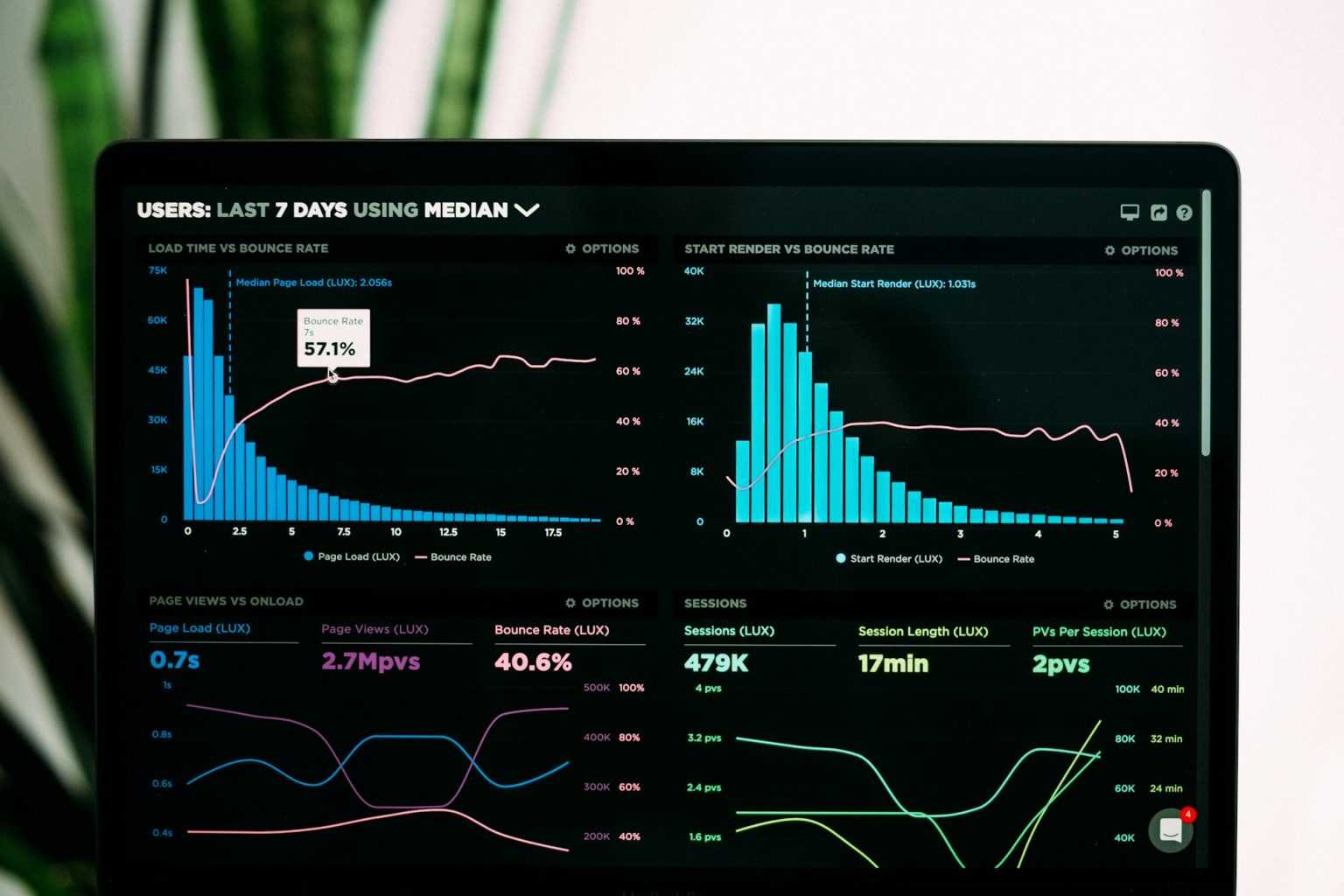
Accumulated database clutter, unoptimised images and outdated code slow down loading. Google ranks slow sites with a poor user experience lower in search results, and visitors leave them sooner.
3. Unexpected downtime
If your hosting provider updates the server's PHP version, old plugins can start causing errors overnight. Visitors are then often greeted by a white screen or an error message – and usually at the worst possible moment.
4. More expensive repairs
Sorting out a site that hasn't been updated for years is often more work than ongoing maintenance. Sometimes it's simpler to rebuild the site than to fix it.
How often does it need maintenance?
For a simple brochure site, monthly updates and checks are usually enough, but security fixes should be applied immediately. For online shops, booking systems or high-traffic sites, weekly checks and daily backups are recommended.
Can I do it myself?
Technically yes, but it's worth being aware of the risks. Updating without a backup is like driving without a seatbelt: most of the time nothing happens, but when it does, it's serious. Maintenance works well if:
- there's a fresh, restorable backup before every update,
- someone checks the site's key functions after the update,
- there's someone who can quickly restore a working state if something goes wrong.
If you don't have time for this, or would rather not deal with it, it's worth leaving it to a professional.
Frequently asked questions
How long does maintenance take?
On a well-kept site, monthly maintenance is usually a short, routine task. The first clean-up of a long-neglected site takes more work.
Does the site go down during maintenance?
When updates are done professionally, visitors usually don't notice a thing.
How do I know if my site is outdated?
The Updates menu item in the WordPress dashboard shows pending updates. If lots of items are waiting there, or nobody has looked at it for a long time, it's worth starting with an audit.
Summary
WordPress maintenance is an investment in your website's security, speed and reliability. Preventing problems is much cheaper than fixing them afterwards.
If you'd like to know what state your site is in right now, request a free website audit, or get in touch with me. Related reading: What happens if you don't update your website for years?