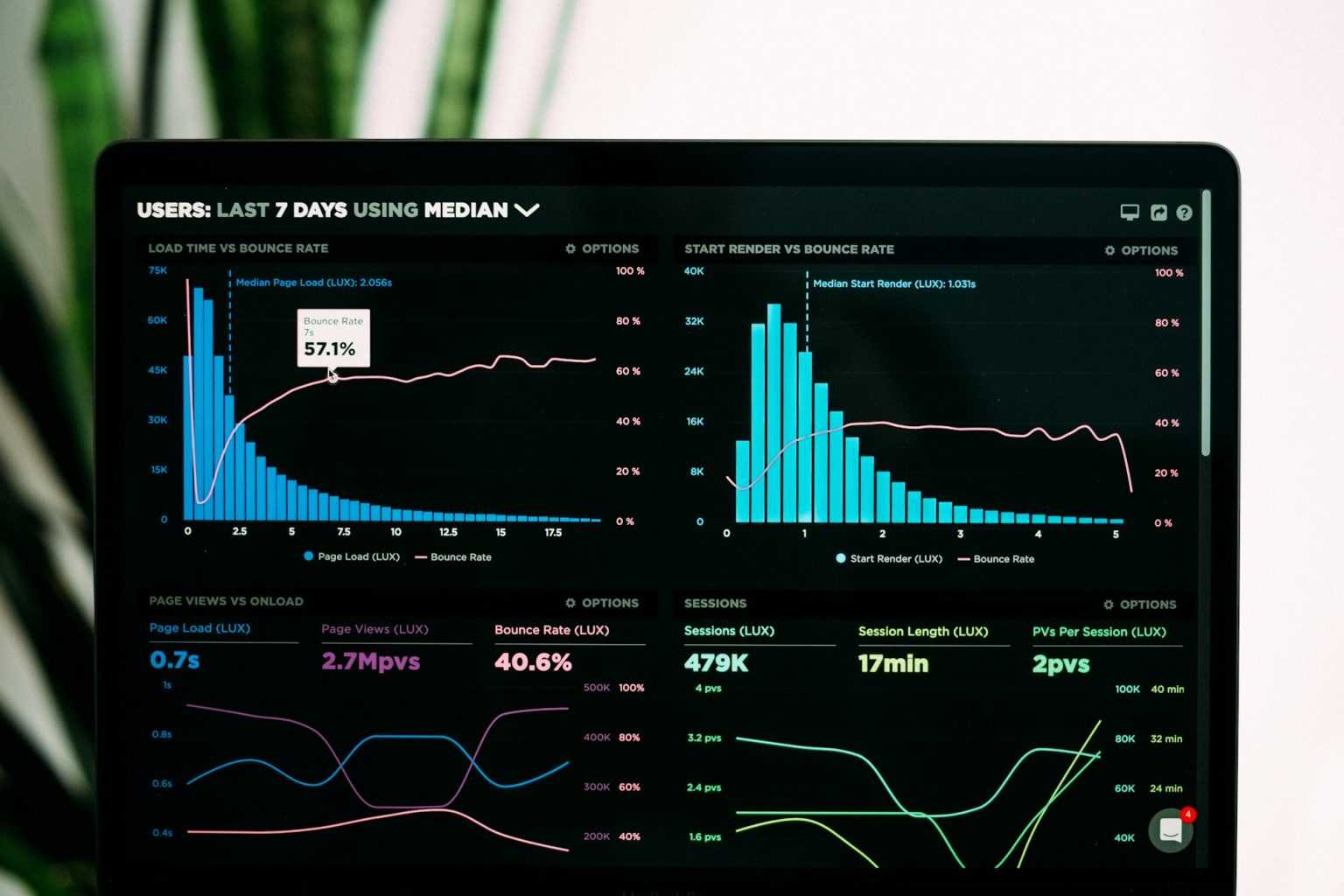
Visitors are impatient: if a page loads slowly, many won't wait – they'll go back to the search results and end up with a competitor. That's why website speed optimisation isn't just a technical issue but a business one too. In this article I'll show you why websites slow down and what you can do about it.
Why does speed matter so much?
- User experience – a fast site makes a more professional impression and is easier to use.
- Conversion – the faster the site, the more people get as far as requesting a quote or making a purchase.
- Google ranking – Google measures page speed and stability with Core Web Vitals metrics and takes them into account in rankings.
- Mobile – most visitors arrive from a phone, often on mobile data, where slowness is felt even more.
How to measure your website's speed
With free tools you can get a picture in minutes:
- Google PageSpeed Insights – mobile and desktop scores, with specific recommendations.
- Google Search Console – the Core Web Vitals report shows weak pages based on real visitor data.
- GTmetrix – a detailed loading timeline that shows what's slowing things down.
The three most important metrics: LCP (how quickly the main content appears), INP (how quickly the page responds to a click) and CLS (how much elements jump around while loading).
The most common causes of a slow website
1. Images that are too large
The most common mistake: multi-megabyte photos taken with a phone or camera are uploaded without resizing.
2. Too many plugins
Every plugin can load extra code. The problem isn't the number, but badly written or unnecessary plugins.
3. No caching
Without caching, the server rebuilds the page from scratch for every visitor.
4. Poor hosting
The cheapest hosting plans are often overloaded. Good hosting alone can speed things up considerably.
5. Outdated system
Old PHP versions, themes and plugins are slower than modern ones. More on this: what happens if you don't update your website for years.
6. Heavy third-party elements
Sliders, embedded videos, social media feeds, chat windows and tracking codes – all of these can slow down loading.
How to speed up your website – step by step
- Optimise your images – cropped to the right size, in a modern format (WebP or AVIF), compressed.
- Turn on lazy loading – off-screen images should only load as you scroll.
- Use caching – for example with WP Rocket or LiteSpeed Cache.
- Minify and defer your code – minify CSS and JavaScript, and defer non-critical scripts.
- Tidy up your plugins – delete anything you don't need.
- Clean up the database – old revisions, spam comments, expired transients.
- Update PHP and WordPress – after a backup, in a controlled way.
- Consider switching hosting or using a CDN, if the server is the bottleneck.
Frequently asked questions
What PageSpeed score is good enough?
The score is only a guide. What matters more is that the Core Web Vitals metrics are in the “good” range and the site feels fast on mobile too.
Is installing a caching plugin enough?
It can help a lot, but if the images are too large or the hosting is weak, it won't solve the problem on its own. The best results come from combining the steps.
Can speed optimisation break anything?
Overly aggressive settings can cause a broken layout or features that stop working, so the site must be checked after every step.
Summary
A fast website gives a better experience, brings in more customers and performs better on Google. On most sites, a few well-targeted steps can bring a dramatic improvement.
Want to know what's slowing your site down? Request a free website audit, or write to me.